Keep the customer, site and scope connected.
Start with the customer and property, then describe the work you have been asked to quote. Keep the job record current as the scope becomes clearer, whether the enquiry concerns an installation, an alteration or a fault investigation.
Prepare the quote against that job and review quantities, labour and tax treatment before sending it. Keep subsequent changes recorded so the office and the person attending are working from the same understanding.
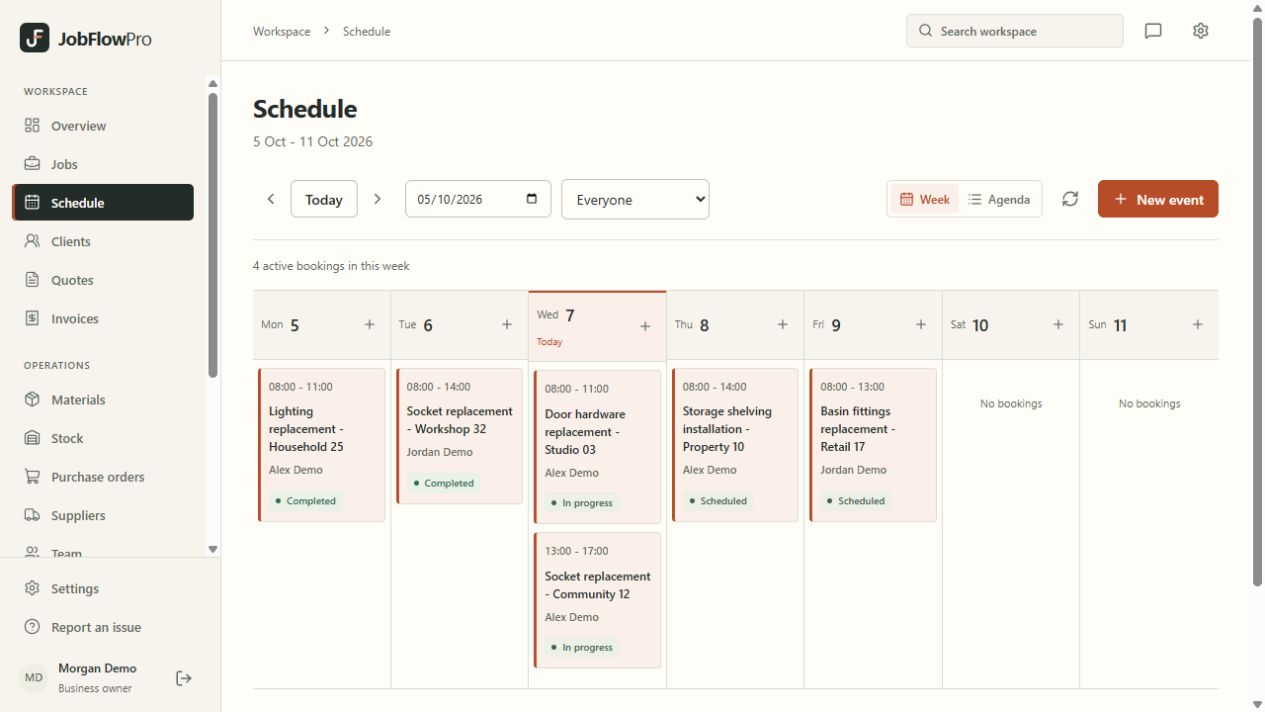
Plan the survey and the work separately.
A site survey and an installation may need different people, time and materials. Schedule them as visits linked to the same job, with the relevant site details available to the assigned team.
After a visit, add a clear work note and identify what remains outstanding. A return appointment then has context rather than only a date in the diary.
- Customer and site records
- Quotes linked to the work
- Visits and assigned team members
- Work notes and invoice records
Keep commercial records alongside the job.
Use the materials catalogue and job records to organise the information your business needs. Create the invoice for the agreed work and record payments against it, including money received by bank transfer or other usual arrangements.
Your records still need checking. Stock entries, time records and recorded costs help with administration, but incomplete inputs cannot provide a complete picture of a job’s outcome.
Fill in certificates from the job.
Start an electrical installation condition report, an electrical installation certificate, a minor works certificate or another certificate from the job. The customer, site, business and registration details fill in for you. Complete it on a phone or a computer, issue it, then download or email the PDF. Each certificate stays linked to its job, customer and site photos, and renewal dates are tracked for you.
The forms are JobFlowPro’s own layouts, not forms published or approved by a registration scheme or standards body, and they are still being reviewed by registered professionals in each trade. Check that a form meets your scheme’s requirements before you rely on it. JobFlowPro does not test or inspect an installation: the readings, results and sign-off remain yours.
Photo and voice uploads open once the JobFlowPro owner has personally verified your business. Job photos are gathered in a photo library you can search by job, customer or site. JobFlowPro is not a general archive for other files.