Give the enquiry a useful starting point.
Record who called, the property involved and a clear description of the work. Keep site access and contact details where your authorised team can find them before the visit.
If an initial visit is needed before pricing the work, link it to the same job. Add a work note afterwards so the proposed solution and next action do not depend on someone remembering the phone conversation.
Keep the quote connected to the appointment.
Prepare a quote that describes the proposed work and the items being charged. A customer can review the shared quote without opening an account, and the response remains connected to your business record.
Once the work is agreed, schedule the visit and assign the appropriate person. Review materials and access arrangements before confirming timing with the customer.
- Quotes and customer responses
- Scheduled visits and team assignments
- Customer and site information
- Invoices and recorded payments
Make return visits easier to hand over.
A repair may need a part and another appointment. Keep a note of the outstanding work against the job, then schedule the next visit with the same context available.
Team members can open assigned work on a phone and add job notes with an internet connection. Photo and voice uploads require the business to be personally verified in person by the JobFlowPro owner before access is enabled.
Finish the work and follow the paperwork.
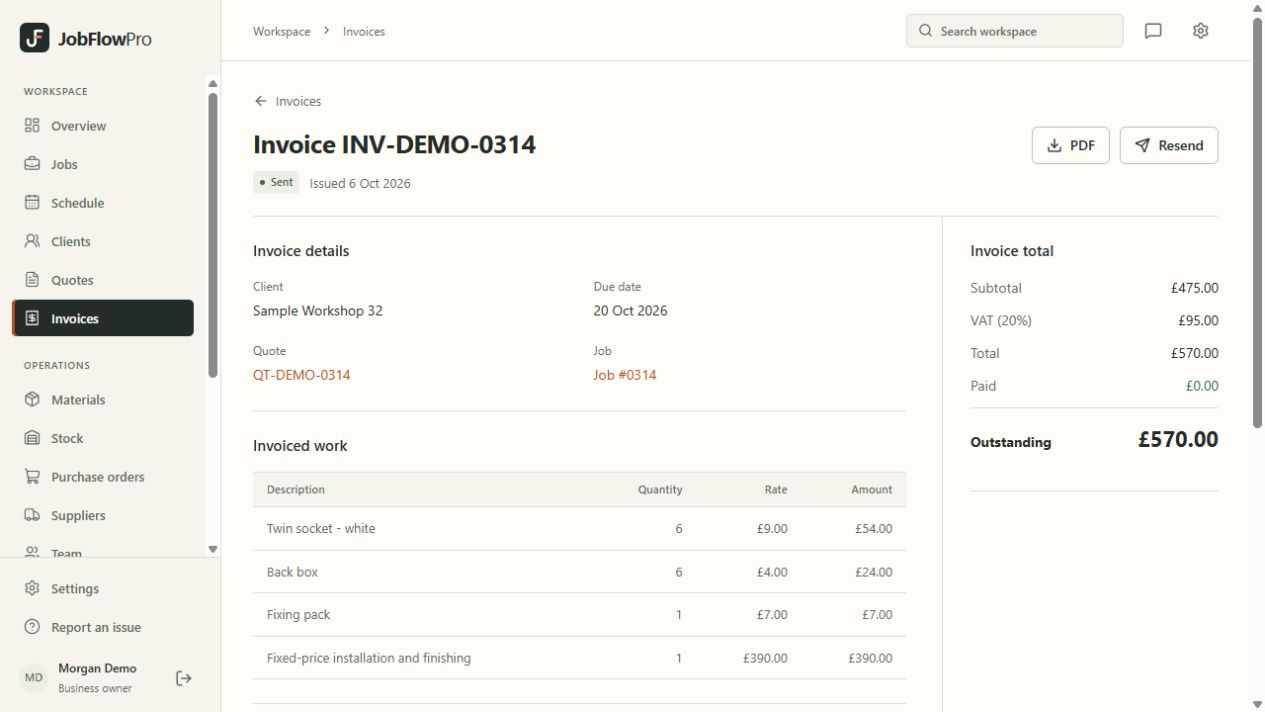
Create an invoice for the work and keep the recorded payments and outstanding balance together. If a customer pays by bank transfer, an authorised user can record that payment; online payment options depend on the business’s Stripe setup.
Gas safety records, boiler service records, unvented cylinder records and other plumbing and heating certificates can be filled in from the job and issued as a PDF. They are JobFlowPro’s own layouts, not forms approved by Gas Safe Register or any other scheme, so check they meet your requirements before relying on them. JobFlowPro does not diagnose faults or replace your safety checks, and your business remains responsible for the work, qualifications and compliance.